How to get 5G on iPhone? You need three things: a 5G-capable iPhone (iPhone 12 or later), a carrier plan that includes 5G, and 5G coverage at your location. If any one of those is missing, your iPhone will not connect to 5G.
This guide walks through everything you need, how to enable it, how to check if it is working, and how to troubleshoot when it is not.
1. How to Get 5G on iPhone
Getting 5G on iPhone is straightforward. The process depends on whether your hardware, carrier, and location all align.
Which iPhone Models Support 5G
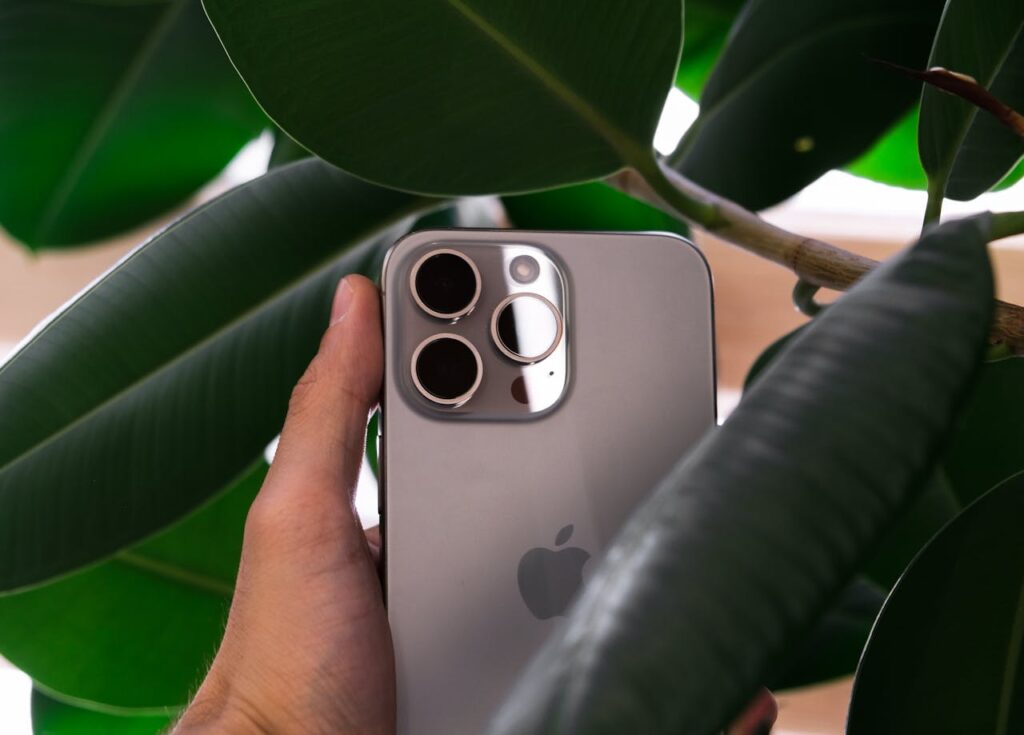
5G support began with the iPhone 12 lineup released in October 2020. Every iPhone released since then supports 5G:
- iPhone 12, 12 Mini, 12 Pro, 12 Pro Max.
- iPhone 13, 13 Mini, 13 Pro, 13 Pro Max.
- iPhone 14, 14 Plus, 14 Pro, 14 Pro Max.
- iPhone 15, 15 Plus, 15 Pro, 15 Pro Max.
- iPhone SE (3rd generation, released 2022). Supports sub-6 GHz 5G but not mmWave.
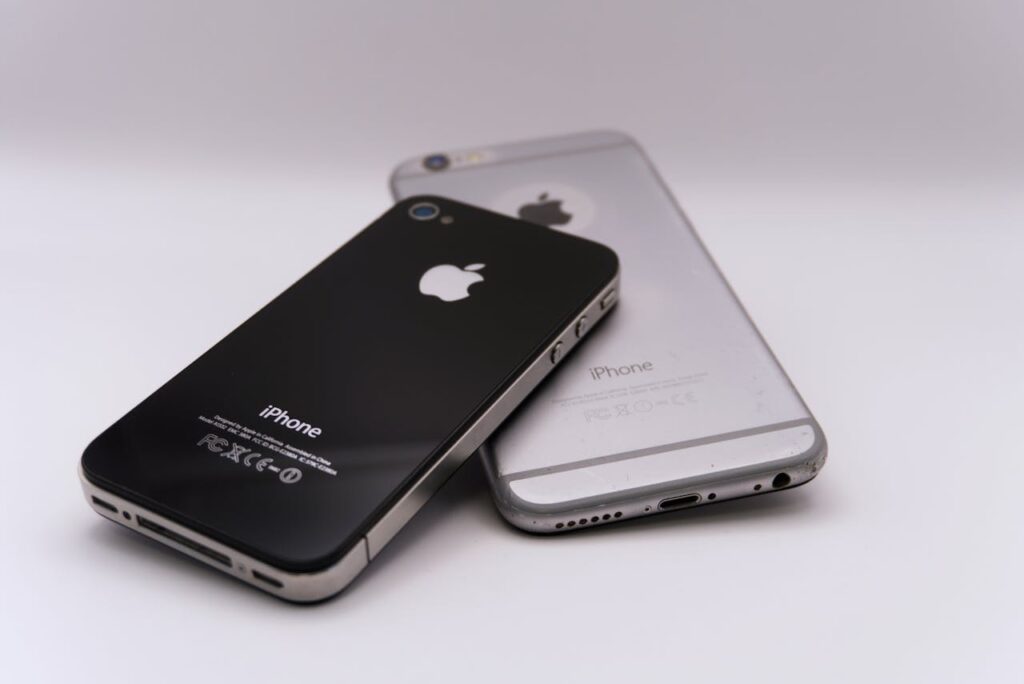
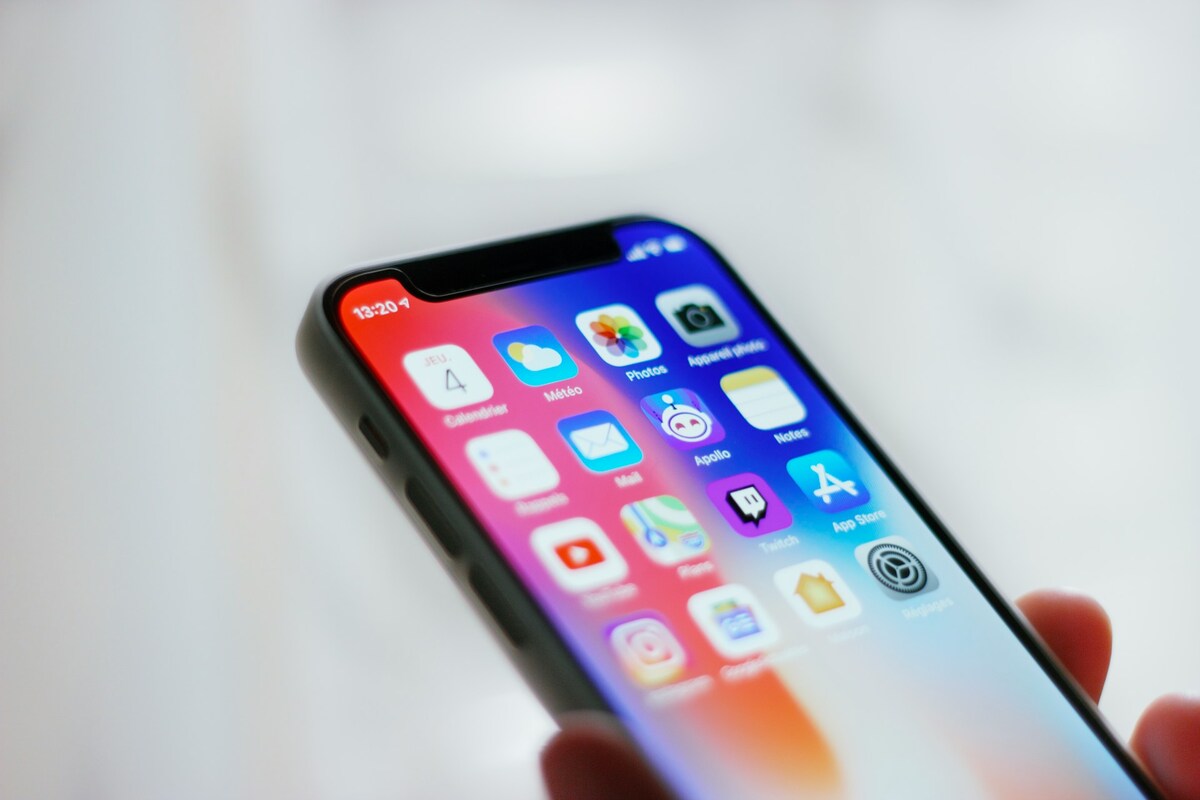
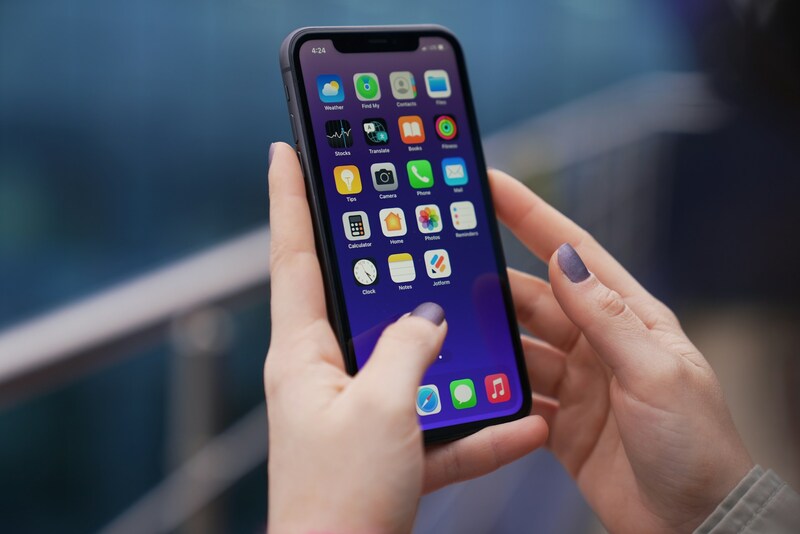
iPhone 11, XR, XS, X, and all earlier models do not support 5G. Upgrading the hardware is the only option for those users.
What Carrier Plan and Coverage You Need First
A 5G-capable device is only half the requirement. Your carrier plan must include 5G access and your location must have 5G coverage.
How to Enable 5G in Your iPhone Settings
5G is enabled by default on iPhone 12 and later. If it was turned off or you want to confirm it is active, follow these steps:
- Open Settings on your iPhone.
- Tap Cellular.
- Tap Cellular Data Options.
- Tap Voice and Data.
- Select 5G On or 5G Auto. ‘5G On’ uses 5G whenever available. ‘5G Auto’ (the default) uses 5G only when it provides a meaningful speed benefit over LTE, which helps battery life.
2. How to Check if Your iPhone Is Actually Using 5G
Look at the top right corner of your screen. When connected to 5G, the status bar shows ‘5G’ next to your carrier name. Different 5G labels indicate different network tiers.
If you want a more detailed check, run a speed test using the Speedtest app by Ookla or fast.com. A genuine 5G connection should deliver at least 50 to 150 Mbps on low-band and 200 to 700 Mbps on mid-band C-band.
If your speeds are below 30 Mbps on a 5G signal, you are likely on congested low-band 5G or the signal is very weak.
>>> Read more: Is iPhone 11 5G? Easy Explained & Free Upgrade
3. Why Is 5G Not Showing Up on Your iPhone?
Several issues can prevent 5G from appearing on your iPhone. Work through these in order:
- Your iPhone is older than the 12 series. iPhones before the 12 do not support 5G. No setting change will add it.
- 5G is turned off in settings. Go to Settings, Cellular, Cellular Data Options, Voice and Data. Select 5G On or 5G Auto.
- Your carrier plan does not include 5G. Log into your carrier account or call customer support to confirm.
- There is no 5G coverage at your location. Check your carrier’s coverage map. Low-band 5G covers most populated areas, but coverage gaps exist.
- Airplane Mode was recently toggled. After turning Airplane Mode off, give the phone 30 to 60 seconds to reconnect to the network properly.
- Carrier settings are outdated. Go to Settings, General, About. If a carrier settings update is available, a prompt will appear. Install it.
- The SIM or eSIM needs to be refreshed. Restart your iPhone. If the issue persists, contact your carrier to confirm your SIM is provisioned for 5G service.
Apple’s official 5G support page provides additional troubleshooting steps and lists which carriers support 5G on iPhone in each country.
4. How to Get Faster 5G Speeds on Your iPhone
If 5G is connected but speeds feel slow, these steps help:
- Switch from 5G Auto to 5G On in settings. Auto mode sometimes stays on LTE when 5G would actually be faster. Forcing 5G On ensures your phone always uses 5G when available.
- Toggle Airplane Mode off and on. This drops and re-establishes the connection, often finding a better tower or less congested channel.
- Move to a better location. Indoors, move closer to a window facing open space. Outdoors, move away from large metal structures or dense building clusters.
- Close background apps. Apps downloading updates in the background consume bandwidth that reduces foreground performance.
- Check your data usage. If you have hit your high-speed data limit, your carrier has throttled your connection. Only a plan upgrade or billing cycle reset restores full speed.
- Restart your iPhone. Clears software states that can interfere with modem performance.
5. Does Getting 5G on iPhone Affect Battery Life?
Yes. 5G consumes more battery than LTE, particularly on mmWave. This is why Apple included 5G Auto mode as the default. In Auto mode, iPhone intelligently uses 5G only when it provides meaningful benefit and falls back to LTE for less demanding tasks.
In practice, 5G Auto on iPhone provides a good balance. Most users on 5G Auto see minimal battery impact compared to LTE-only mode. Enabling 5G On for all situations will reduce battery life, particularly in areas with marginal 5G coverage where the phone works harder to maintain the connection.
If battery life is a priority, keep 5G Auto enabled or set Voice and Data to LTE when you do not need 5G speeds.
6. FAQs
Can You Get 5G on an iPhone 11 or Older?
No. The iPhone 11, XR, XS, X, and all earlier models do not have 5G hardware. There is no software update or settings change that adds 5G capability to these devices. 5G requires a hardware modem that supports 5G spectrum bands.
Do You Need a Special Plan to Get 5G on iPhone?
Not usually. Some older or entry-level prepaid plans may not include 5G. If your compatible iPhone is not connecting to 5G despite being in a coverage area, check your plan details in your carrier’s app.
Why Does My iPhone Keep Switching Between 5G and LTE?
iPhone switches between 5G and LTE automatically in 5G Auto mode, which is the default. This is intentional. Auto mode selects 5G only when it provides a meaningful speed advantage. It reverts to LTE for background tasks, calls, and situations where LTE delivers sufficient speed with better battery efficiency.
How Do I Know if My Carrier Supports 5G for iPhone?
Most major regional and MVNO carriers also offer 5G on iPhone where their network or the network they run on supports it. If 5G does not appear as an option in that menu, your carrier plan or SIM is not provisioned for 5G service on that device.
7. Conclusion
How to get 5G on iPhone? You need an iPhone 12 or later, a carrier plan that includes 5G, and coverage at your location. 5G is on by default. If it is not showing, the issue is almost always coverage, a disabled setting, or a plan that does not include 5G.
For faster 5G, enabling 5G On mode, staying in well-covered areas, and keeping your phone updated with current carrier settings produces the best results.
5G coverage continues to expand, particularly in mid-band spectrum, so speeds and availability will improve over the next two to three years in most markets.