Does WhatsApp use your phone number? Most people don’t think about until a moment of doubt appears. You sign up, send a few messages, and everything feels simple.
So naturally, you start searching for clarity and how much of it is visible or exposed? Let’s break it down step by step so you understand exactly what’s happening behind the scenes.
1. Does WhatsApp Use Your Phone Number
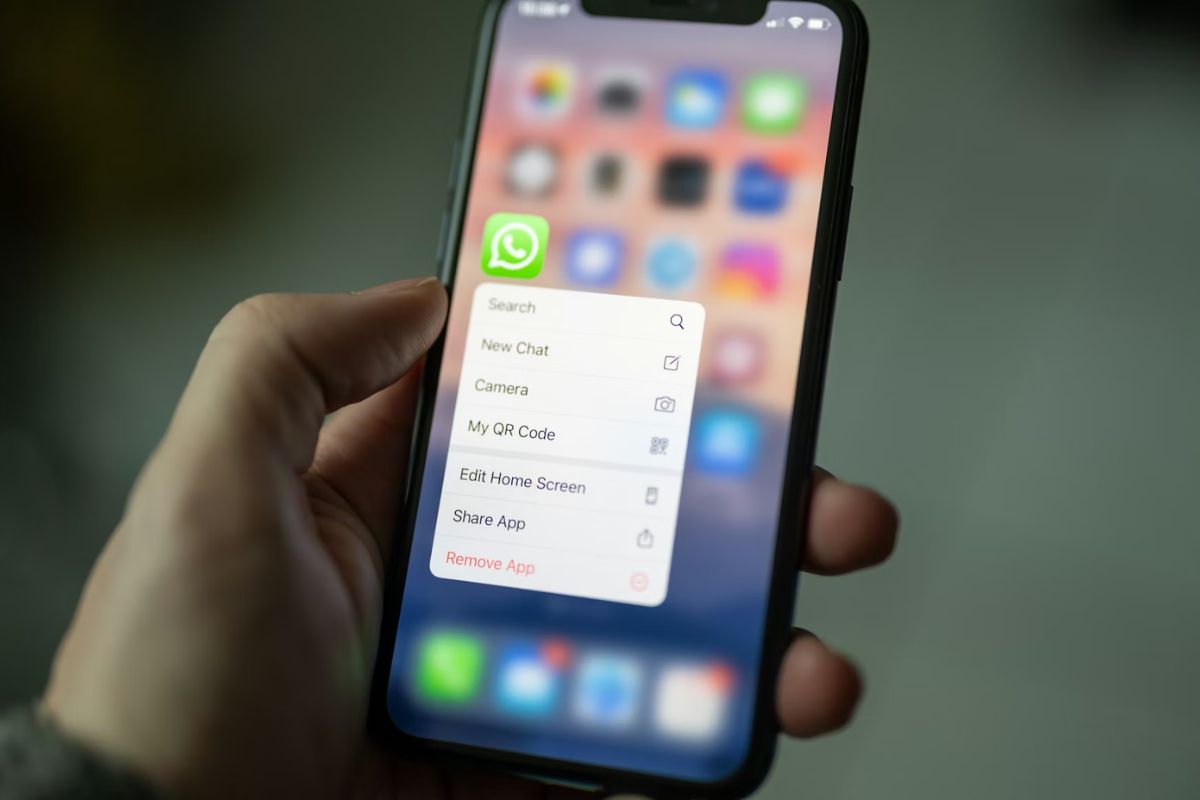
Yes. WhatsApp is built around your phone number. Instead of usernames or emails, your number becomes your identity on the platform.
When you create an account, your phone number is not just for verification. It becomes your unique identity inside WhatsApp. Unlike other platforms that rely on usernames or email addresses, WhatsApp uses your number as the primary way to recognize you.
Here’s what that means in practice:
- Your number is your account ID
- Your profile is tied directly to that number
Other people can find you if they have your number saved. Because of this setup, WhatsApp can instantly connect you with your contacts without requiring friend requests or manual searches.
Does WhatsApp Use Your Real Phone Number or a Hidden One
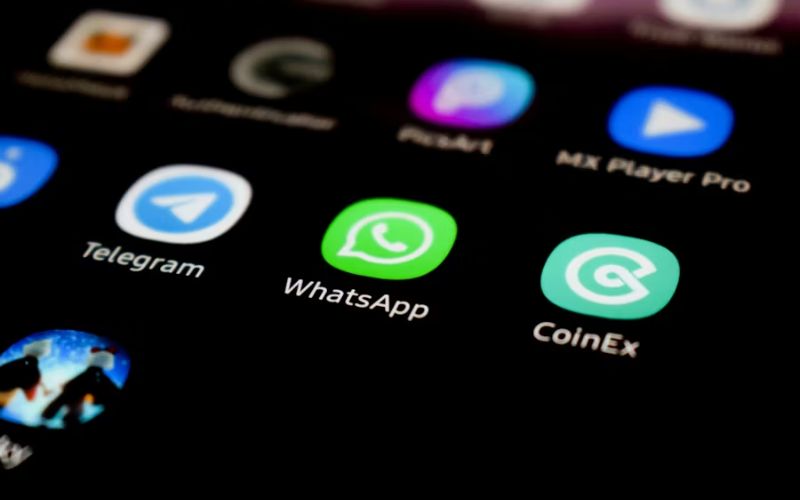
Yes. When you create an account, you must verify it through SMS or a call, and that number becomes your identity on the platform rather than a hidden or masked version.
Here’s what that means:
- Your real number is linked directly to your account
- People who have your number can find and message you
- WhatsApp does not replace your number with a username by default
There is no built-in feature that hides your number from the system itself. However, you can limit what others see through privacy settings, such as controlling who can view your profile or add you to groups.
So while does WhatsApp use your real phone number has a clear answer-yes-you still have some control over how visible you are to others.
2. Does WhatsApp Use Your Regular Phone Number for Contacts
Yes. Your regular phone number is used to link you with people in your contacts.
How WhatsApp connects you to others
WhatsApp checks the phone numbers saved in your contacts and matches them with existing WhatsApp accounts.
- If someone has your number saved, they can find you automatically
- You don’t need to send friend requests
- Contacts appear instantly once both sides use WhatsApp
Your phone number becomes the bridge that connects you to people you already know.
Because your number is used for connection, others may:
- See your WhatsApp profile if they have your number
- Message you directly without extra steps
- Add you to groups depending on your settings
However, you still have control. You can limit visibility through privacy settings like who can see your profile photo or who can add you to groups.
>>> Read more: Why Isn’t My Phone Ringing? iPhone & Android Fixes 2026
3. How WhatsApp Uses Your Phone Number in the System
When you look deeper, your number is built into how the entire system operates, from login to messaging to account recovery.
Verification and security
Your phone number is the first layer of security.
When you sign up, WhatsApp sends a verification code (OTP) to your number. Without this step, the account cannot be activated.
It also means your number is always tied to a real device.
Communication routing
Your phone number is also how messages are delivered, which is a core part of sending and receiving chats.
- Every message you send is linked to your number
- WhatsApp uses it to identify the sender and receiver
- The system routes messages directly between numbers
Instead of usernames, the platform relies on numbers to keep communication simple and direct.
Account continuity
Your number keeps your account consistent across devices.
- When you switch phones, you log in using the same number
- Your chats and account details can be restored
- Your identity stays the same even if the device changes
4. Privacy Controls You Can Use
WhatsApp provides several privacy settings that let you control how your number and profile are seen by others.
Control who can see your profile information
You can choose who sees your profile photo, status, and last seen. Options usually include Everyone, My Contacts, or Nobody.
Manage who can add you to groups
You can restrict who is allowed to add you to WhatsApp groups. Instead of anyone adding you freely, you can set it to contacts only or require approval.
Hide your last seen and online status
You can turn off or limit your “Last Seen” and “Online” visibility. This gives you more control over when others can track your activity.
Block specific contacts
If someone has your number and contacts you, you have the option to block them. Once blocked, they can no longer contact you or see your updates.
>>> Read more: Retrieve Deleted Phone Numbers iPhone: How To Get Your Contacts Back
5. FAQs
Does WhatsApp use your phone number for login?
Yes. Your phone number is used to create and access your account. You verify it with a code, and it becomes your login instead of a username or password.
Does WhatsApp use your real phone number or can it be fake?
Yes, it uses your real phone number. You must verify it with a code sent via SMS or call, so the number needs to be active. Fake or temporary numbers may not work reliably and can cause issues later.
Can your number be hidden or replaced?
No, it cannot be fully hidden or replaced inside WhatsApp. Your number is required for the account, but you can limit who sees your information through privacy settings or use a secondary number instead.
6. Conclusion
At first, the answer to does WhatsApp use your phone number seems straightforward. But once you understand how the system works, you see a bigger picture.
Your phone number is not just for login, it connects your identity, your contacts, and every message you send. That’s why the experience feels fast and seamless, but also why awareness matters.