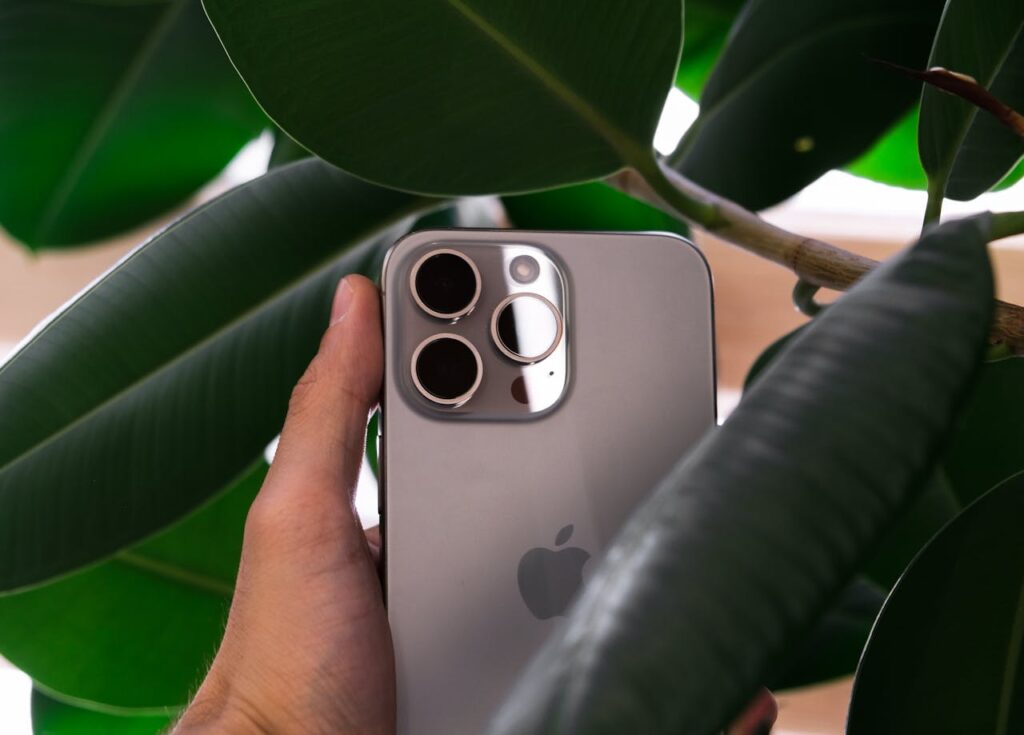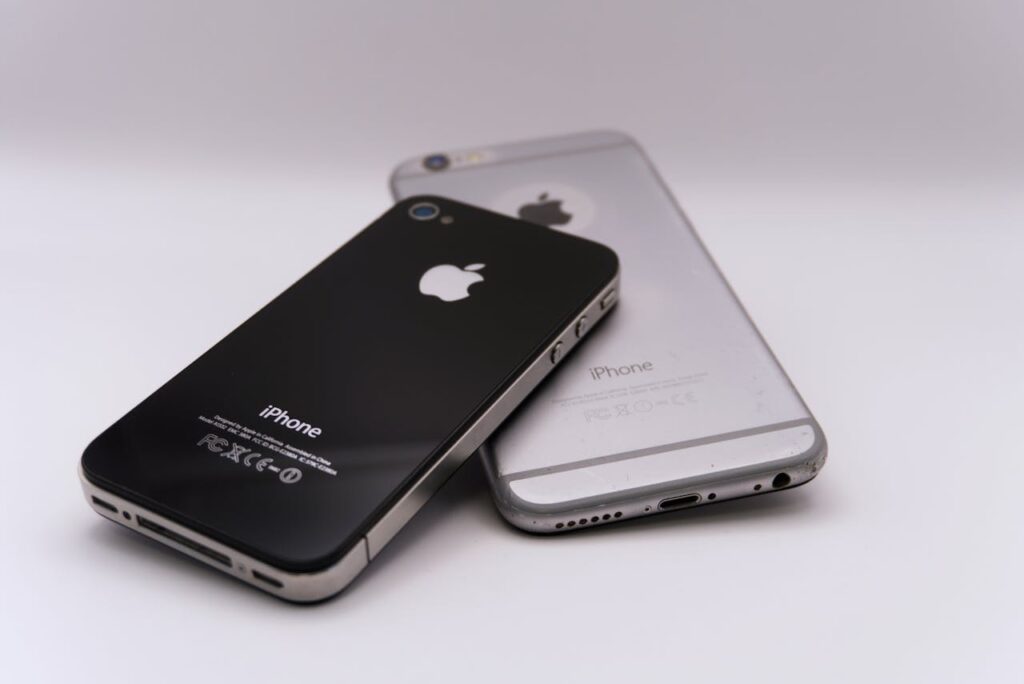
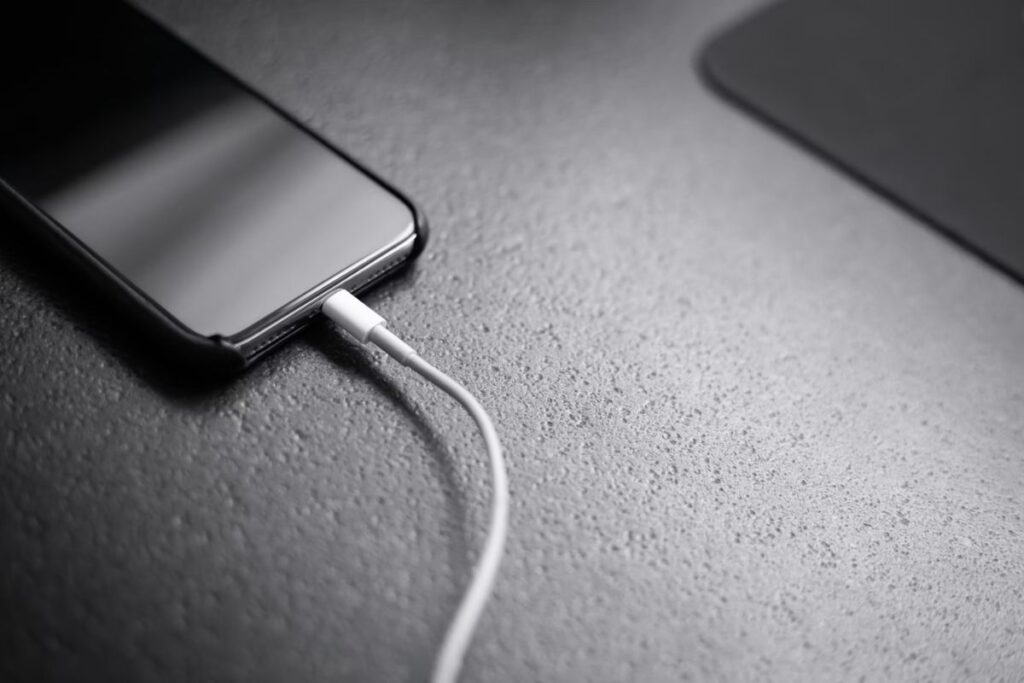
Charging speed depends on a simple balance: how much power your phone receives versus how much it uses at the same time. When this balance is disrupted, charging slows down. The most common reasons include low power input, background activity, and heat.
1. How to Make Phone Charge Faster With Simple Daily Changes
Small changes in behavior can significantly improve how fast your phone charges. And the reason they work is straightforward: they reduce energy consumption while increasing overall efficiency. Here are the most effective adjustments you can make today.
Turn on airplane mode while charging
How to make phone charge faster? Airplane mode disables cellular, Wi-Fi, and Bluetooth connections all at once. Without constant signal searching and syncing in the background, your phone uese considerable less power, which means more of that incoming energy goes directly into the battery rather than being spent on connectivity.
Stop background apps and processes
Even when you’re not actively using them, apps continue running in the background and consuming power your bteery cold otherwise absorb. Closing them reduces this unnecessary activity, freeing up resources so your phone can focus on charging rather than multitasking.
Avoid using the phone while charging
Scrolling, gaming, or streaming while charging creates a continuous energy drain that works directly against the charging process. This constant pull cancels out part of the incoming power, and as a result, the battery fills up much more slowly than it otherwise would.
Lower screen brightness or turn off the screen
Compared to other components, the screen is one of the largest power consumers on your device. Lowering the brightness or turning it off entirely frees up a meaningful amount of energy, giving the battery a better chance of charging efficiently.

2. How to Make Your Phone Charge Faster on Android
Beyond general habits, if you are looking for how to make phone charge faster on Android devices, you will be glad to know that Android offers additional control over charging behavior, particularly when paired with the right hardware. Taking advantage of these built-in options can make a noticeable difference.
Step 1: Enable fast charging settings
Many Android phones include built-in fast charging features that aren’t always active by default. Checking your settings to confirm this function is enabled ensures your device is actually receiving the higher power levels it’s capable of handling.
Step 2: Use manufacturer-supported chargers
Not all chargers deliver the same power, and this difference matters more than most people realize. Using the original charger or a certified fast charger allows your device to receive higher wattage safely, whereas generic alternatives often cap out at lower speeds regardless of what they advertise.
Step 3: Turn off sync and background services
Automatic syncing for email, cloud storage, and apps can consume power during charging. Disabling these temporarily improves efficiency.
These adjustments on how to make phone charge faster are especially useful if you are searching for how to make your phone charge faster Android, where hardware compatibility plays a bigger role.
>>> Read more: Why Does My Phone Say Emergency Calls Only? Common Causes And Fixes
3. How to Make Your Phone Charge Faster on iPhone
How to make phone charge faster on iPhones? iPhones follow a more controlled charging system than Android devices, but there are still meaningful ways to improve speed. The key is understanding where the system gives you room to optimize.
Step 1: Use a fast charging adapter (20W or higher)
Modern iPhones support fast charging, but only when paired with a compatible adapter. The standard charger included in older models often falls short. Upgrading to a 20W or higher adapter significantly reduces charging time and is one of the most impactful changes you can make.
Step 2: Turn off optimized battery charging (when needed)
This feature slows charging intentionally to protect long-term battery health by learning your daily routine and pausing the charge at 80%. While useful for preservation, disabling it temporarily allows faster charging when speed matters more than longevity.
Step 3: Remove the case if the device gets hot
Heat is one of the most consistent factors that reduces charging speed, and a case can trap it against the device. Removing the case improves airflow around the phone and helps maintain the optimal temperature for efficient charging, particularly during longer sessions.
The key distinction between iPhones and Android is system control. Because Apple prioritizes battery health by default, optimizing your physical conditions and hardware choices becomes especially important to offset that built-in conservatism.
5. When It’s Time to Replace Your Phone Instead of Fixing Charging
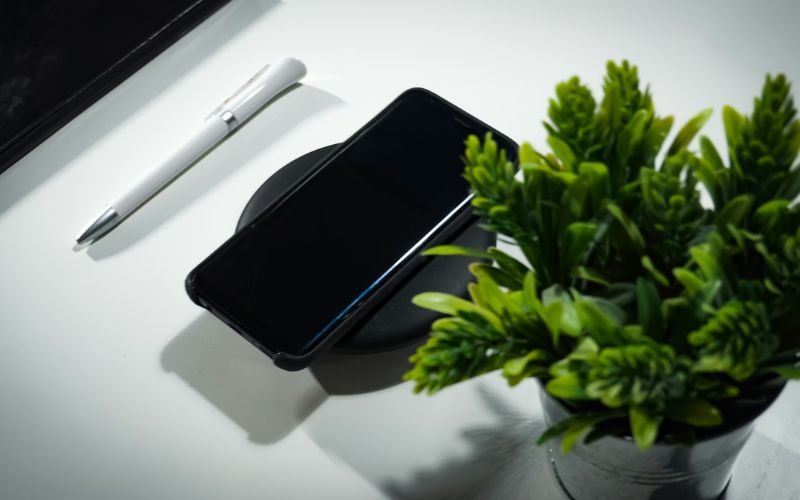
At a certain point, slow charging stops being a settings problem and becomes a hardware one. When that happens, the question shifts from how to charge faster to whether the device can still perform reliably at all. Replacing the phone becomes a practical decision, especially when charging delays start affecting daily use in ways that workarounds can no longer fix.
For users concerned about the cost of replacement, it’s worth knowing that Lifeline is a government assistance program designed to help low-income households afford basic phone service and internet service.
Because the benefit is tied to the approved individual rather than a device or plan, it is both non-transferable and limited to one discount per household, which means only eligible consumers may enroll, with qualification based on income level or participation in programs like Medicaid, SNAP, or SSI.
What Lifeline actually covers, though, is service rather than devices. Approved applicants receive a monthly discount delivered through an Eligible Telecommunications Carrier (ETC), a private provider certified by the FCC to offer Lifeline-discounted service. From that baseline, it is entirely up to the individual carrier to decide what additional benefits they extend to eligible customers.
Some, like AirTalk Wireless, go further by bundling in extras such as free devices or data upgrades as part of their own promotional offers, though these are carrier decisions rather than government guarantees, and availability naturally varies by provider, state, and stock at the time of application.
In short, Lifeline won’t hand you a free phone, but it can meaningfully reduce what you pay to stay connected, and depending on which carrier you choose, that could open doors well beyond the baseline discount.
IMPORTANT: The government does not subsidize devices. Lifeline programs cover basic service costs only. Free or discounted devices, upgrade plans, or top-ups are exclusive benefits provided by AirTalk Wireless as part of promotional offers. Terms and conditions apply. Limited-time promotion offers vary by state, stock availability, and eligibility.
6. FAQs
How to make a phone charge faster without a fast charger?
Even without a fast charger, there’s still plenty you can do. Enabling airplane mode, reducing screen usage, and closing background apps all work together to lower energy consumption and improve charging efficiency, meaning the power you do have goes further.
Does airplane mode really help charging speed?
Yes, and the reason is simple. Disabling wireless connections removes a consistent source of background power usage, which allows the battery to absorb incoming energy more efficiently using the same power input.
Is it bad to use a phone while charging?
Occasional use is generally fine, but making a habit of it slows the charging process and generates additional heat. Both of which place unnecessary stress on the battery and affect its long-term health over time.
Conclusion
Improving how to make phone charge faster does not require complex tools or technical skills. Small adjustments like reducing background activity, limiting heat, and using the right charger can immediately improve charging speed.
The key benefit is simple: less waiting time, more reliable performance, and a smoother daily experience.
Start by turning on airplane mode, stopping background apps, and using a proper charger today. If charging remains slow after these steps, consider upgrading to a device that supports faster and more stable charging.